Swipe Bowling Strike game guide
Goal of the game
In Swipe Bowling Strike you play with taps, swipes and drags. SWIPE UP from the ball to roll it: faster swipe = faster ball, swipe direction = aim, and a CURVED swipe adds a hook spin. Knock down all 10 pins on the first roll for a STRIKE (slow-mo! ) or clear them on the second for a SPARE.
Open frames with fewer than 5 pins cost a life. Later levels add moving bumpers and ghosts on the lane! Power-ups (roll through them): Giant ball, Triple ball, Bomb, Double points and Slow-mo. Mouse swipe on PC.
Quick start
Swipe Bowling Strike in one line: Swipe up to roll, curve your swipe for a hook — smash every pin for a STRIKE!
- Press Play on this page — Swipe Bowling Strike loads in a few seconds right in the browser.
- No permissions are needed, then read the short tutorial card.
- Play your first run of Swipe Bowling Strike slowly to learn how it reacts to taps, swipes and drags.
- After a game over, press Play again to try to beat your best.
Controls explained
- Quick reminder shown in Swipe Bowling Strike: Swipe up = roll · curve = hook.
- On a phone, play Swipe Bowling Strike with your thumb; on a computer the mouse works the same way.
- If Swipe Bowling Strike feels too hard at first, play a practice round to learn the timing before chasing a high score.
Scoring and levels
Points in Swipe Bowling Strike come from the code-defined rewards of 10, 50 and 100 points for different actions, so the bigger moves are worth chasing. Every 99999 points you reach a new level, and Swipe Bowling Strike speeds up and sends more at you each time. You start with 3 lives. Your best score is saved in your browser, and signed-in players also appear on the Swipe Bowling Strike leaderboard.
Power-ups
Power-up orbs appear every few seconds in Swipe Bowling Strike. Touch or collect them to activate:
- 🍄 Giant (8 s): makes you bigger, so hits and catches are much easier.
- ✨ Triple (8 s): multiplies your attack or catch three ways.
- 2️⃣ Double Points (10 s): doubles every point you earn while it lasts.
- ⏳ Slow-Mo (6 s): slows the whole game down so you can line up precise moves.
Characters and world
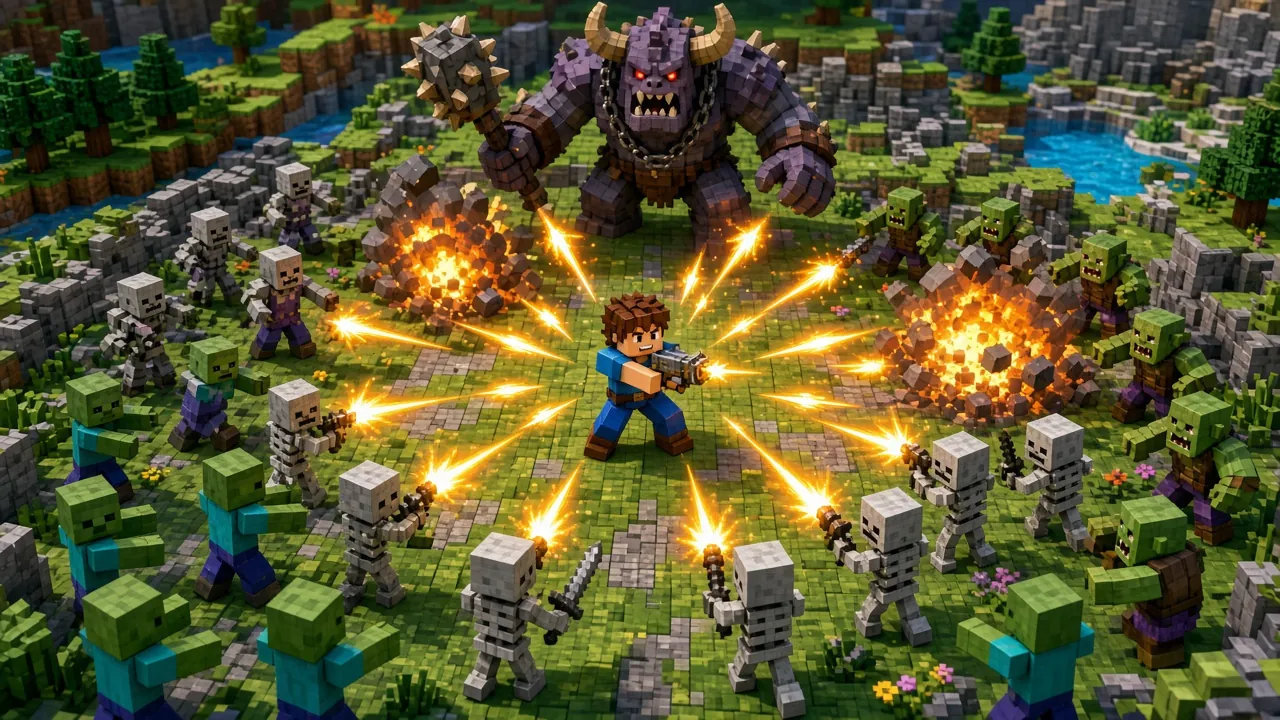
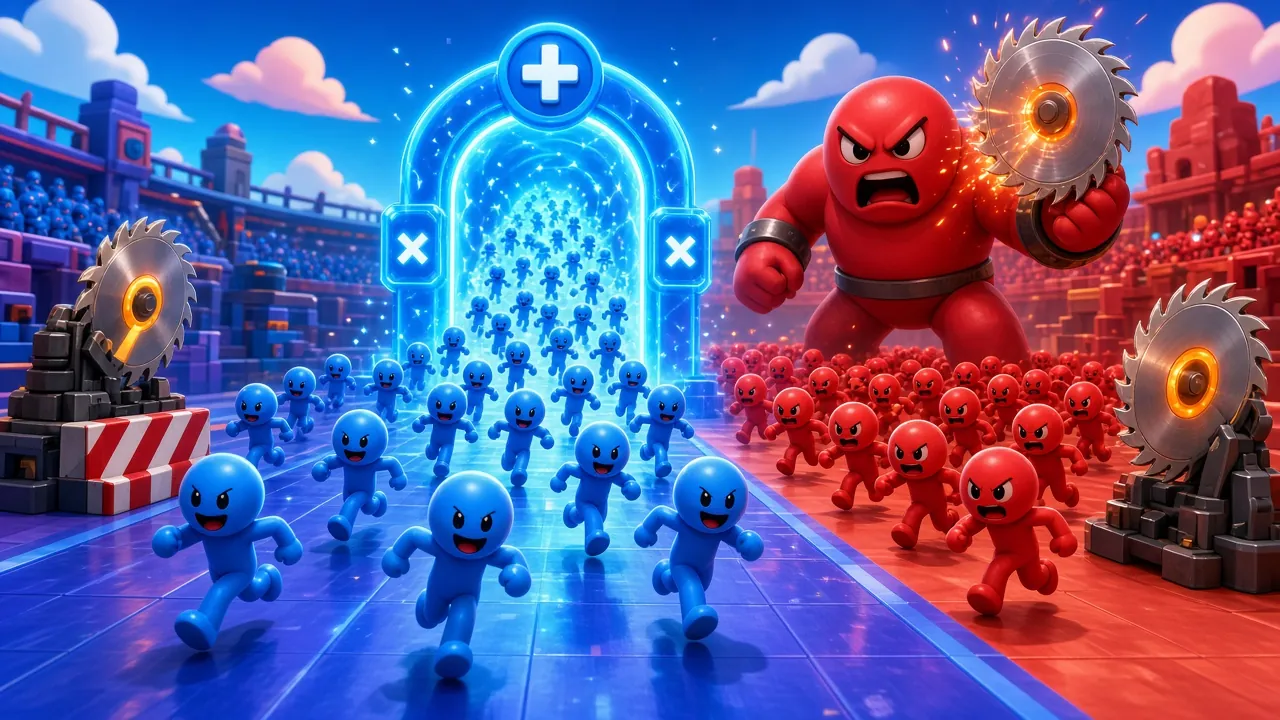
The 3D world of Swipe Bowling Strike features ghosts and blocks. Learning how each one moves is the key to reading the screen quickly.
Tips and strategy
- Save your focus for the moment a Freeze or Slow-Mo starts — that is when Swipe Bowling Strike gives you free points.
- Replay Swipe Bowling Strike a few times: each run teaches you the patterns, and scores usually double after the first five games.
Device requirements and privacy
Swipe Bowling Strike runs on any phone, tablet or computer browser with no download, and needs no camera or microphone. It is free to play; free players may see a short ad between rounds (never during play), and Premium removes all ads.